
Get started with Team Capacity and Team Planning
Get set up for team planning and use the Team Capacity Dashboard.
Play Video


Plan work. Avoid overload.
Team leads: How to do team planning, use story points and iterations (sprint cycles), and manage team capacity
Resource managers: How to do resource planning for upcoming and current projects, use generic resources, and run planned time and capacity reports
Admins: How to customize Capacity Planner for your organization


AI-powered time tracking, smarter planning, and audit-ready records – all inside Jira.
Explore CollectionGet started with Team Capacity and Team Planning
Get set up for team planning and use the Team Capacity Dashboard.
Learn how to create a Tempo team, a feature required for capacity planning.

Learn best practices on how to manage your Tempo teams.
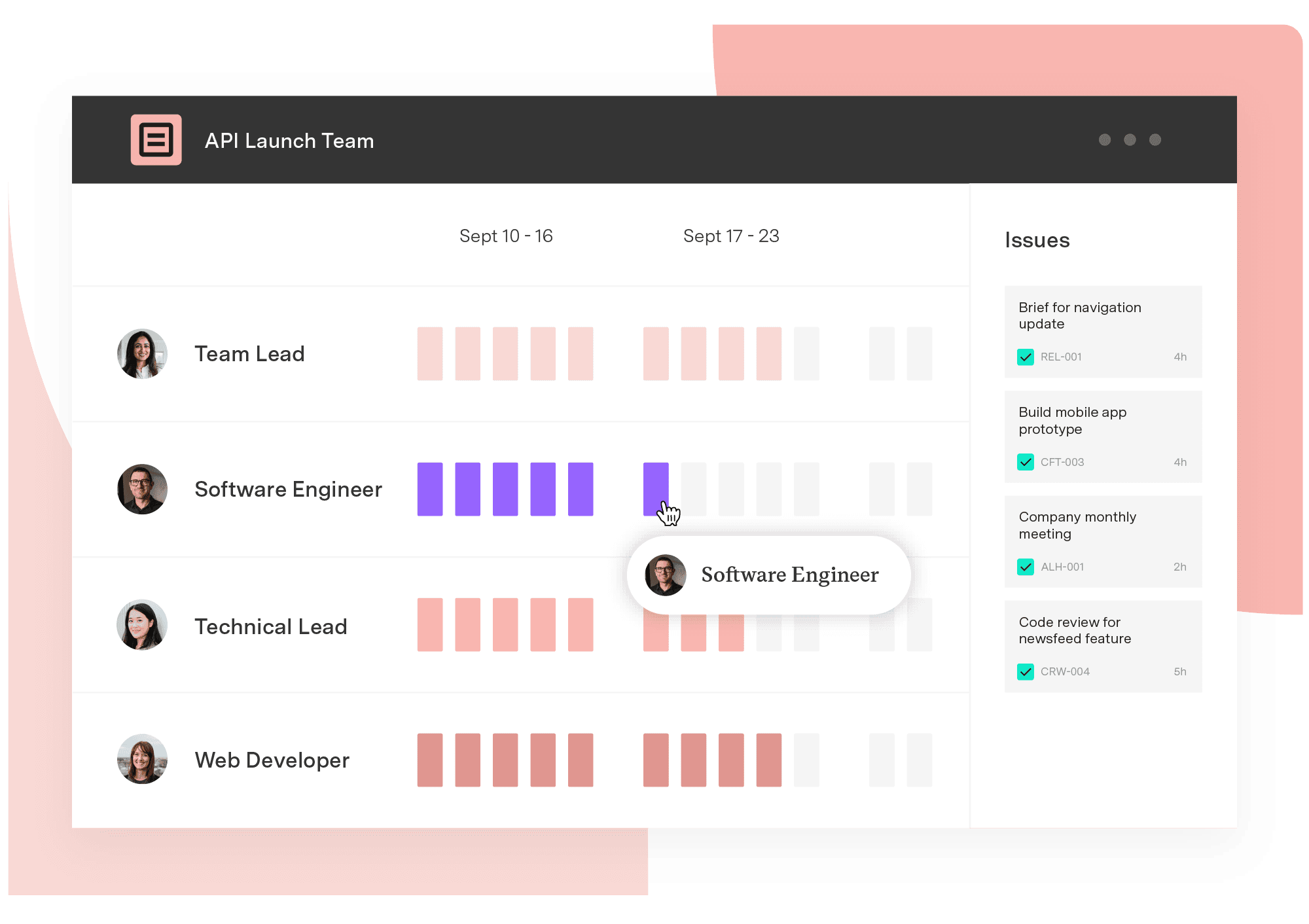
Learn more about how to plan work for your teams.
Learn how to plan projects around your resources’ availability and capacity.
Learn how to build reports using plan and worklog data.
Learn more about customizing Capacity Planner for your organization.